Docsecure by Quadient


Accessible from any web browser

Track mailpiece security

Store job reports for future audits
Send the right document to the right customer every time
Compliance rules such as HIPAA, GLBA, and SOX are ever-changing. For mailings containing sensitive information, you need to ensure the right document is sent to the right person every time.
docsecure is the only cloud-based, closed-loop document integrity solution that tracks, records and reports document integrity throughout the entire folding and inserting process.
Watch the video to see how it works.
What is closed-loop document integrity?
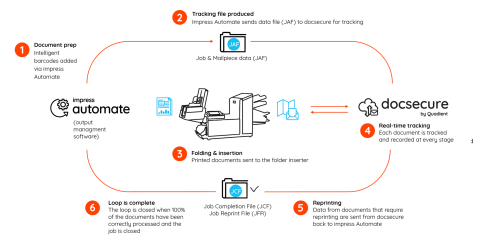
End-to-end tracking and reporting

With docsecure, there's no need for manual verification to ensure the insertion is correct.
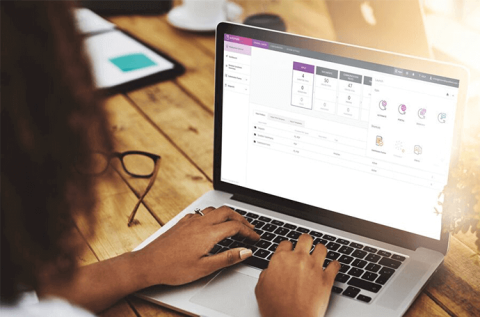
The real-time production dashboard provides deep visibility into every job, including:
- Detailed reports (job, job details, analysis)
- Catalog output files for audit trail (csv., pdf)
Easy integreation with Quadient Impress
Quadient Impress Automate is an intelligent outbound document automation solution that helps produce actionable, personalized, and secure communications. When paired with a folder inserter, it assigns an intelligent barcode to each document to group, sort, or collate materials based on your own business rules.
Compatible with a range of Quadient folder inserters
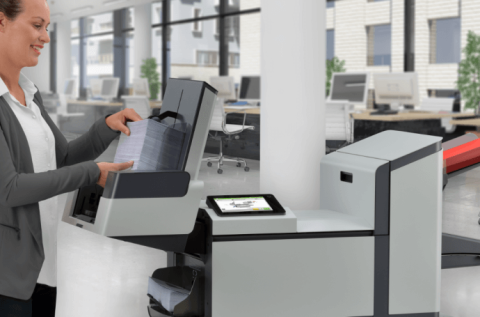
Prove with 100% accuracy that your most sensitive documents are placed into the correct envelope by pairing docsecure with one of the following intelligent folder inserters:
- DS-64i
- DS-75i
- DS-85i
- DS-95i
Related Solutions
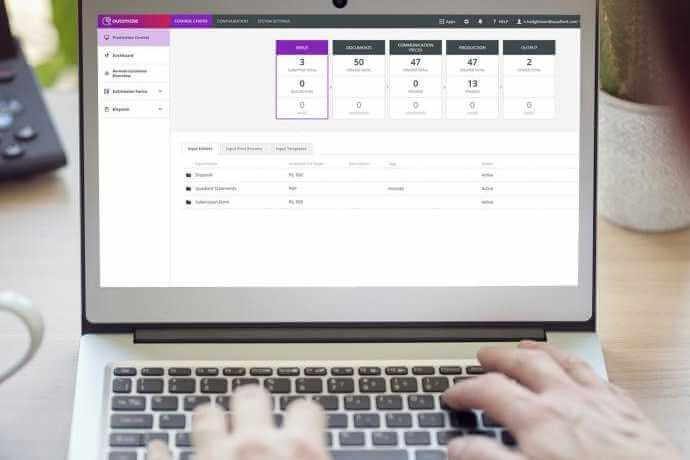
Impress Automate document automation software
Add intelligent barcodes to every document to group, sort, or collate materials automatically.
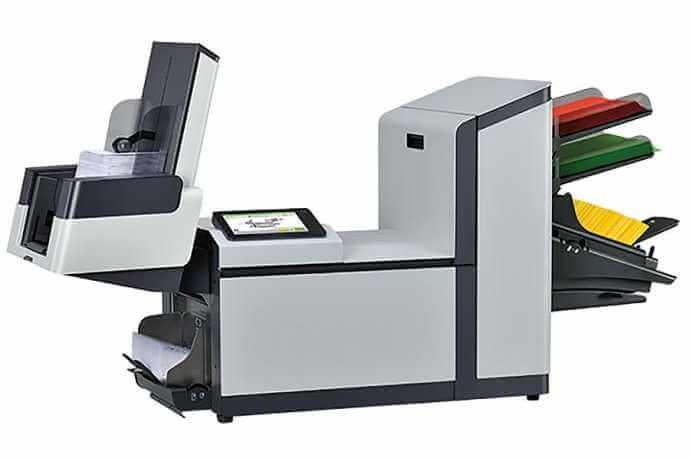
DS-64i Folder Inserter
Folds and inserts up to 20,000 envelopes per month
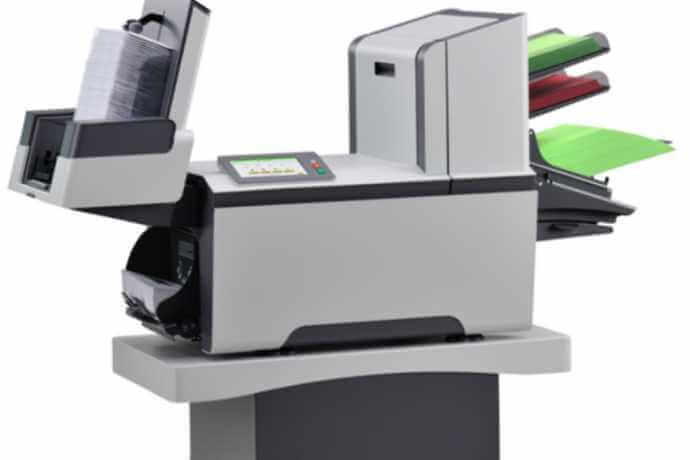
DS-75i Folder Inserter
Fold, insert and seal up to 40,000 envelopes per month.